Cyberpunk 2077 PS5 mods
Choose a PS5 or Xbox mod, check its requirements, then install it through the game’s mod.io menu. Start with the recommendations below and keep a manual save from before you enabled mods.
Last updated:
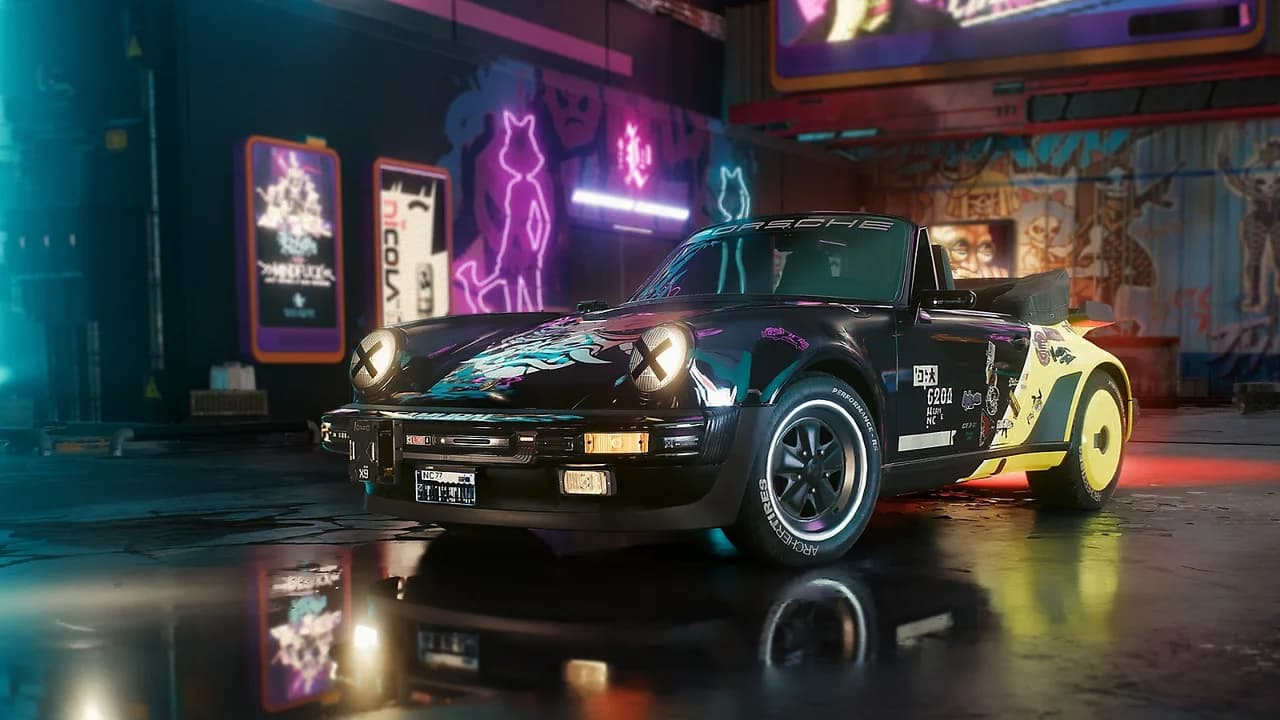
Can you mod Cyberpunk 2077 on PS5?
Yes. Use the game’s Mods menu and a mod with a release for your exact platform. Link your CD PROJEKT RED account to mod.io, install the mod and check that it is enabled. Windows-only frameworks such as CET use a separate PC route.
- Where
- Mods in the main menu
- Accounts
- CD PROJEKT RED and mod.io
- Check availability
- A release for your exact console
- After installation
- Enabled, then activated in game
Pick your first console mod
Choose one change you can check in game. These eight author listings include PS5 and Xbox releases; confirm availability in your own game before installing.
Follow the immersion starter route →8 choices
| Mod and author | What you get | Prerequisites | First check |
|---|---|---|---|
| Deceptious Quest Core Deceptious Author previews ↗ | Shared quest activation for mods that require DQC. Visit V’s H10 apartment after adding a dependent mod. | No additional mod listed | Look for the DQC utility text on V’s phone, then check the dependent mod’s own activation conditions. Setup & troubleshooting → |
| Night City Interactions Deceptious Author previews ↗ | Adds drinking spots and partner outings, plus an Edgerunners location tour across Night City. | No additional mod listed | A startup popup should appear after the H10 visit. Try a listed location such as Tom’s Diner rather than an arbitrary bar. Setup & troubleshooting → |
| Immersive Rippers Deceptious Author previews ↗ | Adds seated appointments at supported Night City ripperdocs. | No additional mod listed | Check that V sits for the appointment. A ripperdoc may move into the intended position on the first visit. Setup & troubleshooting → |
| Idle Anywhere [DQC] Deceptious Author previews ↗ | Adds an idle menu for smoking, drinking and eating while standing in the world. Requires DQC. | Deceptious Quest Core | Open the idle menu with Sprint. Movement stops the looping smoking animation. Setup & troubleshooting → |
| Scannable Stash [DQC] Deceptious Author previews ↗ | Scan apartment weapon displays to identify collected weapons and missing slots. Requires DQC. | Deceptious Quest Core | An empty display slot should identify the missing weapon. Check activation before diagnosing missing Hammer, Nehan or Byakko display entities. Setup & troubleshooting → |
| Borg Malorian Restored Seijax Author previews ↗ | Restores the Malorian 3516’s ricocheting hipfire and obstacle-piercing aimed shots. | No additional mod listed | Check aimed penetration separately from hipfire ricochets; testing another handgun will not demonstrate this change. Setup & troubleshooting → |
| Better Armor Tooltip RMK_ Author previews ↗ | Shows current armor damage reduction in the cyberware tooltip instead of a theoretical maximum. | No additional mod listed | The tooltip should describe current protection. Do not expect an increase in the armor stat. Setup & troubleshooting → |
| Actually Black Hair Color CyberVesna Author previews ↗ | Replaces the Black Carbon hair color profile with a deeper black. | No additional mod listed | Check the Black Carbon profile specifically; selecting another hair color will not show the replacement. Setup & troubleshooting → |
Install through the game menu
1. Open Mods
Update the game, launch it and open Mods from the main menu.
2. Connect mod.io
Sign in with your CD PROJEKT RED account and connect it to mod.io when the game asks.
3. Check the platform
Open the exact listing and check for a PlayStation 5 or Xbox Series X/S release for your console, plus any DLC and mod prerequisites.
4. Install the mod
Select Install in the game menu and wait for the download to finish. Website subscription alone is not your in-game success check.
5. Enable and activate
Return to the main menu and check that the mod is enabled. Follow a restart prompt, then perform the author’s activation steps in game.
Browse PS5 listings on mod.io ↗
Cyberpunk 2077 PS5 mods vs PC mods
Cyberpunk mods on PS5 and PC share the Mods menu but little else. Use this table to see which instructions apply to you.
| — | PS5 and Xbox | PC |
|---|---|---|
| Where mods come from | The in-game catalog on mod.io | The in-game mod.io catalog, or author releases on Nexus Mods and GitHub |
| How you install | Install and enable in game, then perform the mod’s activation | Use the in-game route for mod.io releases, or follow the selected PC archive’s instructions |
| Frameworks (CET, ArchiveXL, TweakXL) | Not available through the console catalog | Installed first when your mod lists them |
| Picking a compatible mod | Confirm a release for your exact console and read its requirements | Compare the author’s requirements with your game patch |
| Before you start | Keep a manual save without mods | Back up saves and the original archives |
What works with Cyberpunk PS5 mods, and what does not
Works on PS5 and Xbox
- Listings with a release for your console, such as those tagged “Available on consoles”
- Mods installed with the CD PROJEKT RED account linked to your game
Does not work on PS5 and Xbox
- Windows frameworks such as Cyber Engine Tweaks
- PC mod archives from Nexus Mods, GitHub or other sites
- Any listing without a release for your console
Modded saves, trophies and cross-progression
CD PROJEKT RED’s cross-platform mod support article sets out what modded saves mean for Cyberpunk PS5 mods. These are the points that matter before you install.
Modded saves
Any save created while mods were enabled counts as modded. These saves show the mod.io cog icon.
Trophies and achievements
On consoles they are disabled for modded saves. Keep a separate unmodded save if you are trophy hunting.
Cross-progression
To continue a save on another platform, the same mods must be enabled on both. If one is missing or incompatible, the save may not load. Mods unsupported on console are ignored there.
Offline play
A modded save loads offline if its mods are already installed. New mods cannot be installed while you are offline.
Installed, but not active?
For Idle Anywhere and Scannable Stash, install Deceptious Quest Core too, then leave and return to V’s first H10 apartment. For Night City Interactions, follow its own H10 startup check. An enabled checkbox does not replace a mod’s activation step.
Cyberpunk PS5 mods not showing up?
Work through these checks in order when your Cyberpunk 2077 PS5 mods do not appear. Most problems come down to one of them.
- The mod is missing from Installed
- Restart the game when it asks, then open Installed and make sure the mod’s checkbox is selected. If it is enabled but does nothing, follow the author’s activation steps.
- The listing has no release for your console
- Choose a listing with a release for your exact console. A generic console tag alone does not confirm availability on every platform.
- A save will not load on another platform
- The same mods have to be enabled on both platforms, and each one must be available there.
- A new mod will not install
- Go online. Installing needs a connection, even though installed mods load offline.
- The wrong account is connected
- Sign in to mod.io with your CD PROJEKT RED account and manage the linked accounts there.
Playing on more than one platform?
Cyberpunk mods for PC
Frameworks, requirements and file locations for the Windows install.
Browse the PC directoryInstall your first PC mod
Backups, dependencies and a clean test launch, in order.
Read the install guideCyberpunk multiplayer
How CyberMP access works and what to check before you join.
See multiplayer access
Cyberpunk PS5 mods questions
Quick answers about installing mods, modded saves and trophies on console.
Can you use mods in Cyberpunk 2077 on PS5?
Yes, through the in-game Mods menu and the mod.io catalog. Choose a listing with a release for your console, install it from the game menu, restart when asked and check Installed.
Can I copy Nexus PC mods onto a PS5?
No. Use the supported in-game catalog on console. The PC archives described in our directory are not a console installation method.
Do Cyberpunk PS5 mods disable trophies?
On consoles, trophies and achievements are disabled for modded saves, which carry a mod.io cog icon. A save made without mods keeps them.
Why is a subscribed mod missing on another platform?
Check that platform’s availability and requirements. A subscription does not make a PC-only mod compatible with a console.
Can I play a modded PS5 save offline?
Yes, if its mods are already installed. You cannot install new mods while offline.
Do Cyberpunk mods on Xbox work the same way?
The in-game Mods menu is available on Xbox Series X|S as well, with the same account link and the same in-game install route. Check each listing for your platform.