Cyberpunk 2077 multiplayer mod: how CyberMP access works
The Cyberpunk 2077 multiplayer mod most players ask about is CyberMP, a community project for exploring Night City with other people. Its official site describes a semi-open beta, and the launcher is for testers only.
Last updated:
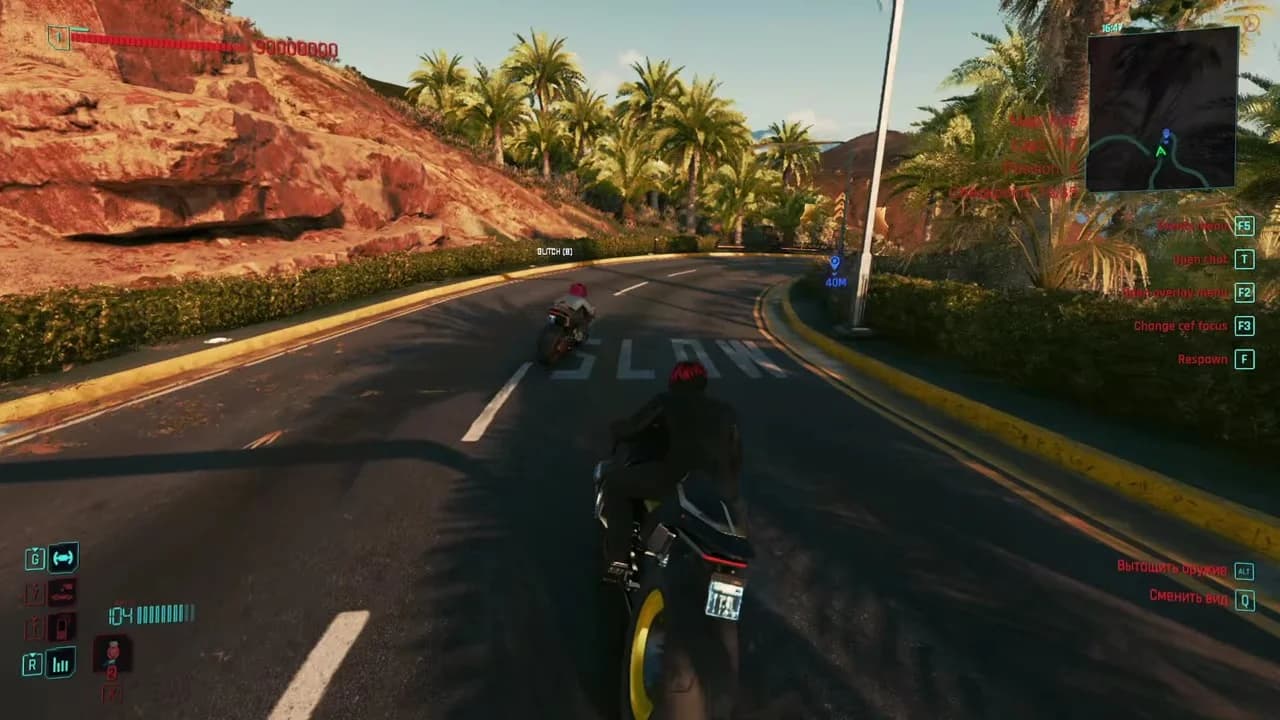
Is there a Cyberpunk 2077 multiplayer mod you can play?
CyberMP is the community Cyberpunk multiplayer mod in our directory. It is not an official CD PROJEKT RED feature, and the base game stays single-player. The official download page says only testers can download the launcher, with access tied to public test phases. The way in is the project’s Discord server and its public tests.
- What it is
- Community project
- Status
- Semi-open beta
- Launcher
- Testers only
- Platform
- PC
How to get access to the Cyberpunk multiplayer mod
1. Read the access notice
Open the official download page and read who can use the launcher.
2. Join the community
The project announces public tests on its Discord server, so join it and watch for the next one.
3. Wait for a public test
Access is tied to test phases. There is no permanent open download.
4. Prepare your game
Back up your saves and keep an unmodded copy before installing a test client.
5. Install that release
Use the requirements and setup supplied with the client you are given.
What CyberMP is, and what it is not
CyberMP is
- A community multiplayer project for Cyberpunk 2077 on PC
- A semi-open beta that runs through public tests
- A separate launcher and client from the project’s own team
CyberMP is not
- An official CD PROJEKT RED multiplayer or co-op mode
- A console mod you can subscribe to in the in-game catalog
- An open public download for anyone
- A promise of story co-op or a fixed number of players
What to check before joining a Cyberpunk multiplayer test
- Your tester eligibility and the correct launcher source.
- The game build, client version and server rules required for that test.
- Whether the activities you want are available in that build. Do not assume campaign co-op or a fixed player capacity.
- That your saves are backed up and a copy of the game stays free of test files.
Stay safe when you look for the download
Get the launcher only from the official site. Its download page says non-testers cannot download it, so treat any page offering an instant, open CyberMP download as suspect, and never enter game or store account details to “unlock” one.
Cyberpunk multiplayer on PS5 or Xbox
CyberMP is listed for PC. Console players install mods through the in-game catalog instead, which has its own rules for platforms, saves and trophies.
Cyberpunk multiplayer questions
Quick answers about CyberMP access, player counts and co-op.
Is there official multiplayer in Cyberpunk 2077?
No. Cyberpunk 2077 is a single-player game. CyberMP is a separate community project, and a sequel announcement is not a download for Cyberpunk 2077 multiplayer.
How do I download the Cyberpunk multiplayer mod?
Only testers can download the CyberMP launcher. Join the project’s Discord server and take part in a public test when one opens.
Can I install CyberMP from the console mod browser?
This guide covers the separate CyberMP client. It is not a console mod.io installation guide.
See the PS5 and Xbox routeDoes CyberMP support story co-op?
Not as a promise. Check the current test announcement for supported activities. This page does not present an unverified story co-op project as a playable release.
How many players does CyberMP support?
The official pages we use do not publish a fixed capacity. Read the announcement for the test you join.
Will my other Cyberpunk mods work with CyberMP?
Follow the requirements supplied with the client. Do not assume single-player mods are supported in a multiplayer session.
What if the game will not launch after installing a test client?
Move the test files aside and test a clean launch, then restore things one at a time.
Follow the recovery checklistKeep reading
CyberMP in the directory
Requirements, sources and removal steps for the project.
Open the CyberMP entryInstall PC mods safely
Backups and a clean test launch before you add anything.
Read the install guideCyberpunk mods on console
The in-game catalog, console tag and modded-save rules.
Read the console guide